 14:22

You remember the vibe.We find the thing.
Save reels, threads, recipes, screenshots and voice notes from anywhere. VibeSearch reads, watches and listens to all of it, so you can find anything just by describing it.
Describe what you remember…




Save anything. It comes back as what it is.
Paste a link, share a reel, drop a screenshot or just talk. VibeSearch works out what it is and keeps the parts that matter: the recipe in the reel, the address behind the map link, every word said in the video.

Pick something to save
instagram.com/reel/C9k2Lm7xQ… Saved as Recipe
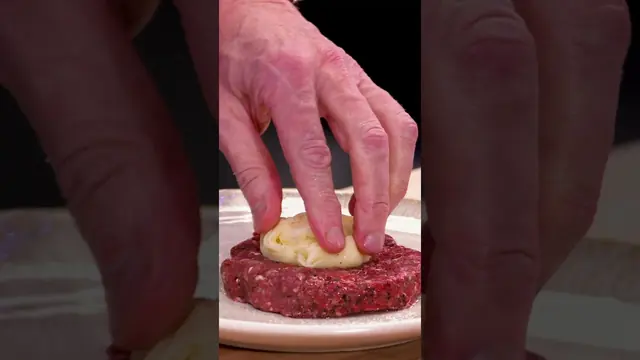
Recipe from a reel by @griddle.dad
Juicy Lucy smash burgers
20 min4 servings
Ingredients
- 500 g beef mince, 20% fat
- 4 slices American cheese
- 4 brioche buns
- Pickles, onion, mustard
Steps
- Press cheese between two thin patties
- Seal the edges, salt both sides
- Smash on a smoking pan, 2 min a side
Pulled out for you:IngredientsStepsCook time
- Recipes
- Reels
- Threads
- Posts
- Articles
- Videos
- Shorts
- Playlists
- Songs
- Places
- Products
- Repos
- Screenshots
- Photos
- GIFs
- Albums
- Voice notes
- Notes
- To-do lists
- Quotes
- Files
- Figma files
- Maps
- Whole pages
Search what’s inside, not just the title.
Most apps search the name of the thing. VibeSearch searches the thing itself: what was said, what was written in the picture, what the photo shows and what you meant.
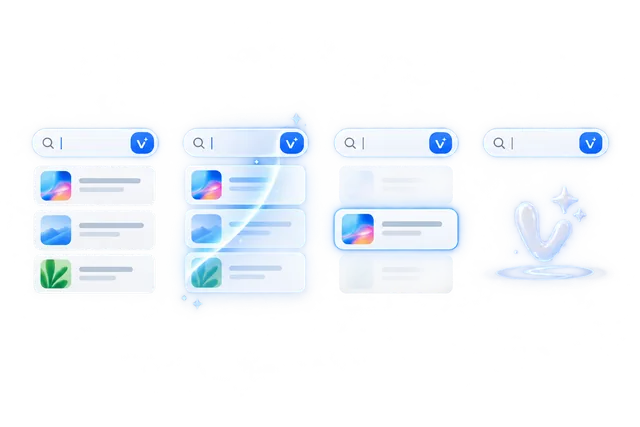
- 1 Describe it, any way you like
- 2 It looks inside every save
- 3 The right one rises
- 4 Opened right where it matched
It heard every word of every video.
Search what someone said, not what they named the video. The result opens right at that second.
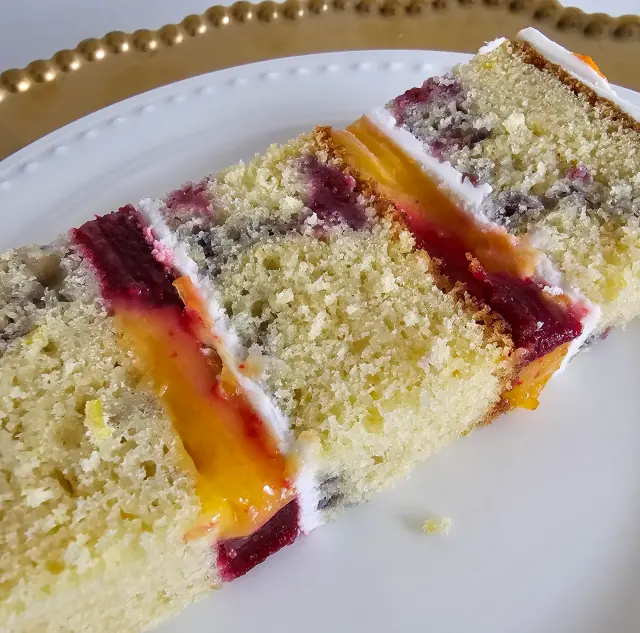
Bake with Noor · 18:05
Brown butter olive oil cake
- Fold until you just stop seeing flour.
- Now let the batter rest for twenty minutes. Don’t skip this.
- While it rests, brown your butter.
It read every screenshot you took.
Receipts, tickets, slides, a chat you screenshotted at 2 am. The words in your pictures are searchable like any other words.
Welcome to Casa Azul
WiFi: CasaAzul_5G
Password: saltwater204
Checkout by 11 am
Keys go in the blue bowl
Bins out on Thursday
Screenshot · Aug 14
Casa Azul house manual
Found in the picture: WiFi: CasaAzul_5G, Password: saltwater204
Also matched
- Office guest networkPhoto of a whiteboard · May 2
- Lisbon flat check-in emailScreenshot · Jun 18
It knows what your photos look like.
Describe a picture, or search with one. Find the room, the outfit, the color you can’t name, even if you never wrote a word about it.
 Searching with your photo

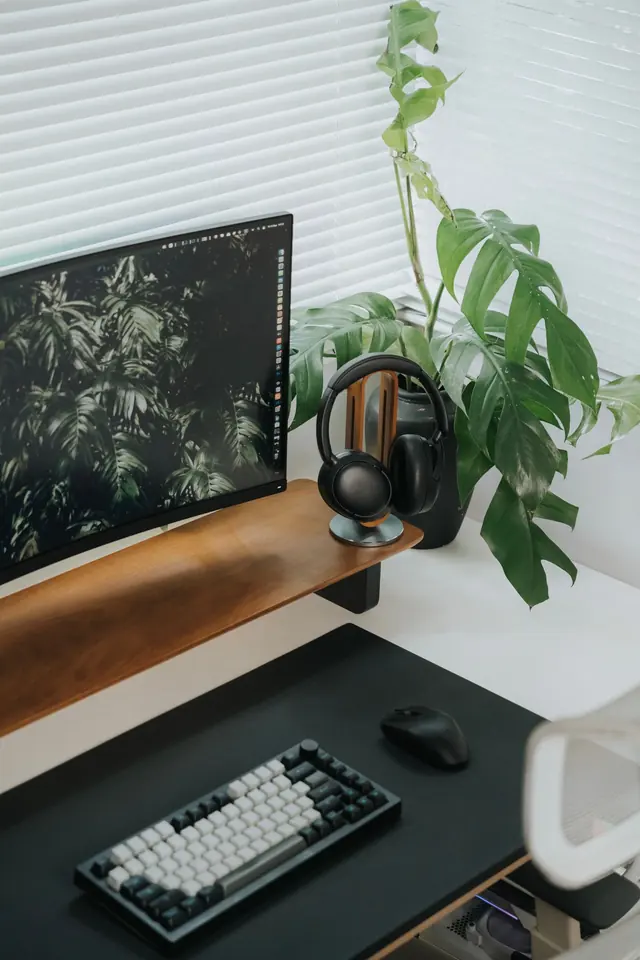
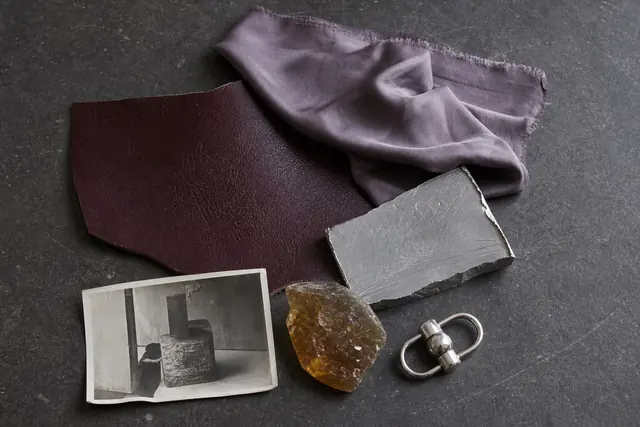
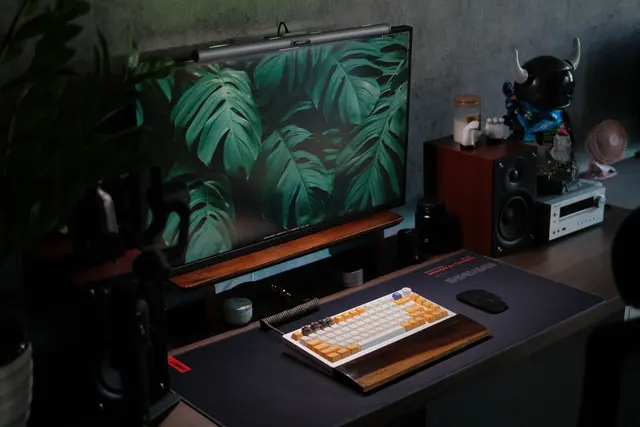 Same colours
It understands what you meant.
Turn on Recall and describe it like you’d tell a friend. VibeSearch turns that into the right filters and shows you exactly how it read you.
Recall read this as
ArticleSaved March to MayAbout doing great workpaulgraham.com · 41 min read
How to Do Great Work
Saved April 9 · in “Essays to reread”
Spelled it wrong? “thred abuot magnesum” still finds the sleep thread.
Every result shows why it matched, and opens right at that moment, page or picture.
Bring every save you’ve ever made.
Years of bookmarks, X bookmarks, Reddit saves, Instagram saves and GitHub stars come in with one click each. Then all of it is searchable, down to the words inside the videos.
Browser bookmarks
Done1,284 bookmarks
- Read later / design
- Recipes (212)
- Apartment hunting
New bookmarks keep coming in on their own.
X bookmarks
Done2,031 posts
- A thread on pricing
- That chart about rent
- Startup advice
Threads, images and videos, not just links.
Reddit saved
Done412 posts and comments
- r/sleep
- r/AskCulinary
- r/personalfinance
The top comments come along too.
Instagram saved
Done936 posts and reels
- Smash burger reel
- Bali cliff spots
- Studio pottery
Reels get their recipes and places pulled out.
GitHub stars
Done249 repositories
- nanoGPT
- excalidraw
- ollama
Search them by what they do, not their names.
Anything else
Paste a link from any site. Drop in a backup file. If it has a link, it comes in.
4,912saves brought in. Every one of them searchable.
Example library. Your numbers will be your own.
Save it in one move, wherever you are.
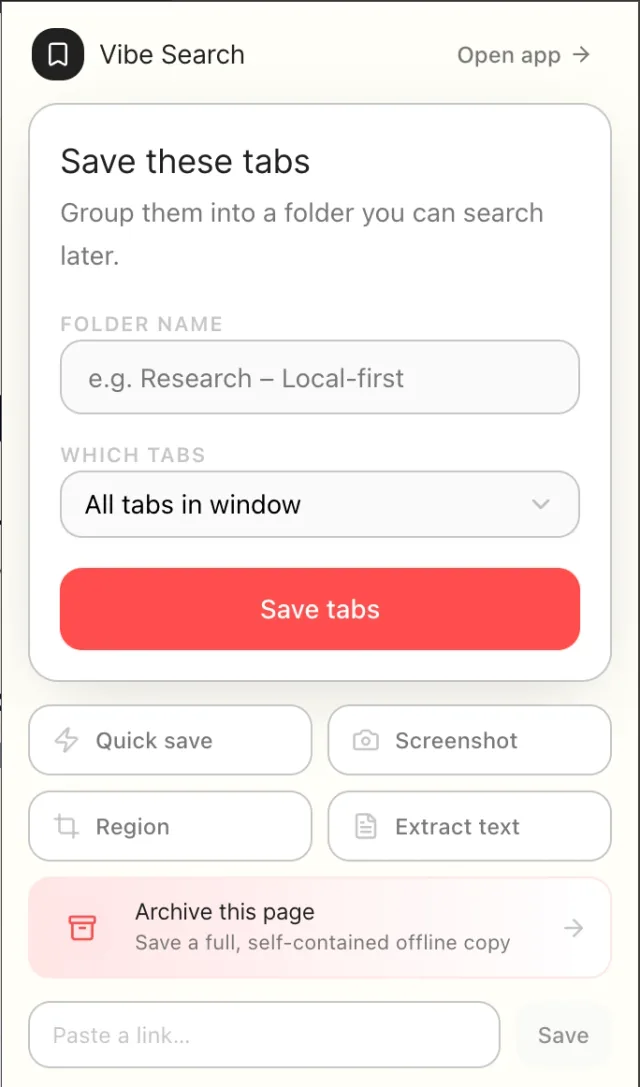
Right-click anything in your browser, or save every open tab at once. On your phone, drop in photos, links and to-do lists. In the web app, record a voice note. It all lands in the same library.
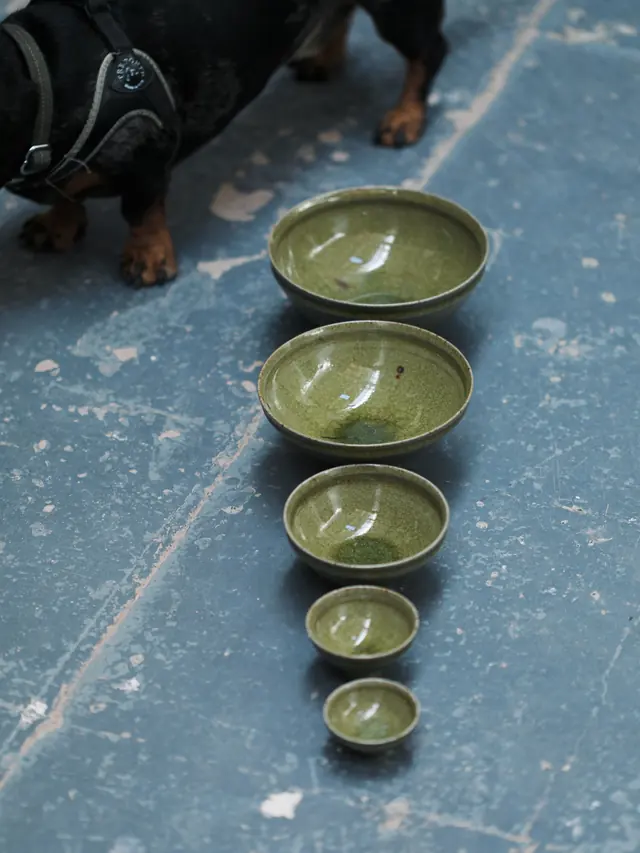
instagram.com/p/C8wQx2…


studio.mud
Centering clay in 30 seconds. Stop fighting the wheel, let your elbows do it.
Capture
Studio ideas
Glaze test tiles first. Ask Mika about kiln days.

- Order speckled clay
- Book a kiln day
Save
Saved as a note with a photo and a to-do list
- Browser extensionChrome, Brave and Firefox. Free.
- Web appYour whole library, full screen.
- iPhoneSave, search and write on the go.
- AndroidThe same library, in your pocket.
Write it on your laptop. It’s on your phone before you look up.
Notes live right next to everything you saved. Headings, photos, links and to-dos, in a proper editor with a focus mode. Every edit syncs to all your devices on its own.
Works without a connection
Write on a plane. It syncs when you land, and edits made on two devices merge without losing a word.
To-dos tick on the card
Tick a box right in your library, no need to open the note.
Talk instead of typing
Record a voice note in the web app and it becomes text you can search.
Describe a collection. It fills itself.
Type what you want in plain words. VibeSearch reads your saves, gathers the ones that fit, and keeps adding new ones as you save them. You never have to file a thing.

Your saves turn into things you use.
Because VibeSearch knows what each save is, it can do something with it: cook from it, map it, play it, keep it safe.

Recipes turn into a cookbook.
Save a cooking reel and get the ingredients and the method, pulled straight out of the video. Tick things off as you shop.
From a reel · 20 min
Juicy Lucy smash burgers
Method Press the cheese between two thin patties, seal, then smash on a smoking pan.
Every place you saved, on a map.
Restaurants from reels, cafés from map links, that bookstore from a friend. Sorted by city and neighbourhood on their own.
A shelf for this week.
Keep the recipe you’re cooking and the list you’re ticking within reach, right above your library.
Rediscover what you forgot.
A few minutes with your older saves. Keep the good ones, let the rest go.
Saved 2 years ago
The post got deleted. Your copy didn’t.
VibeSearch keeps its own copy of what you save, so it’s still there when the original disappears.
It plays right where it sits.
Songs, playlists and clips play in the card. No new tab.
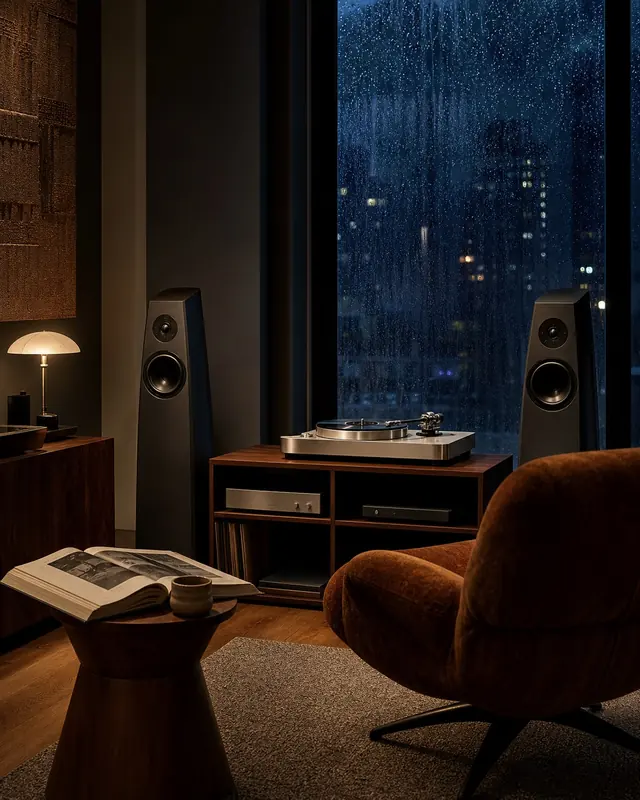
Saved playlist
Rainy-day focus
Your library stays yours.
What you save says a lot about you. It stays with you, it stays out of view when you want it to, and it leaves with you whenever you like.

Hide what’s sensitive.
Content Shield keeps sensitive saves blurred and out of the way until you enter your PIN.
Try it without an account.
The free extension saves and searches right on your own computer. Sign up only when you want your phone too.
Take everything with you.
Export your whole library whenever you want: to a file, to Google Drive or to Notion.
No ads and no trackers.
VibeSearch is paid for by the people who use it, so what you save is never sold or used to target you.
One plan, with everything in it.
No tiers to compare and no features held back. Start with the free extension, or bring your whole library in.

VibeSearch
$39to start
Covers getting you set up and your first month. Then $7.50 a month.
- Everything you save, on web, iPhone and Android
- Search inside videos, screenshots and photos
- Bookmarks, X, Reddit, Instagram and GitHub stars brought in
- Notes and to-dos that sync to every device
- Collections that fill themselves
- Your own copy when the original disappears
Browser extension
Free
For Chrome, Brave and Firefox. No account needed.
- Save any page, image, video or quote with a right-click
- Save every open tab at once
- Search your saves on your own computer
Straight answers.

How is this different from bookmarks?
A bookmark saves a link. VibeSearch saves the thing: the recipe comes back with its ingredients, the video with every word said in it, the place with its address. And you can search all of it by what’s inside.
Do I have to organise anything?
No. Save it and move on. Search works the same whether you filed something or not, and collections can fill themselves from a sentence. Folders and tags are there if you like them.
What if I only half remember it?
That’s the point. Describe it the way you remember it: a line from the video, a word in the screenshot, what the photo looked like. Spelling mistakes are fine.
What happens when the original gets deleted?
You still have it. VibeSearch keeps its own copy of what you save, so a deleted post or a dead link doesn’t take your save with it.
Can I bring my old saves?
Yes. Browser bookmarks, X bookmarks, Reddit saved, Instagram saved and GitHub stars come in with one click each, and anything with a link can be pasted in.
Is it on my phone?
Yes. VibeSearch runs on iPhone, Android, the web and as a browser extension for Chrome, Brave and Firefox. It’s the same library everywhere.